
Muhammad Younas
Joined - April 2026

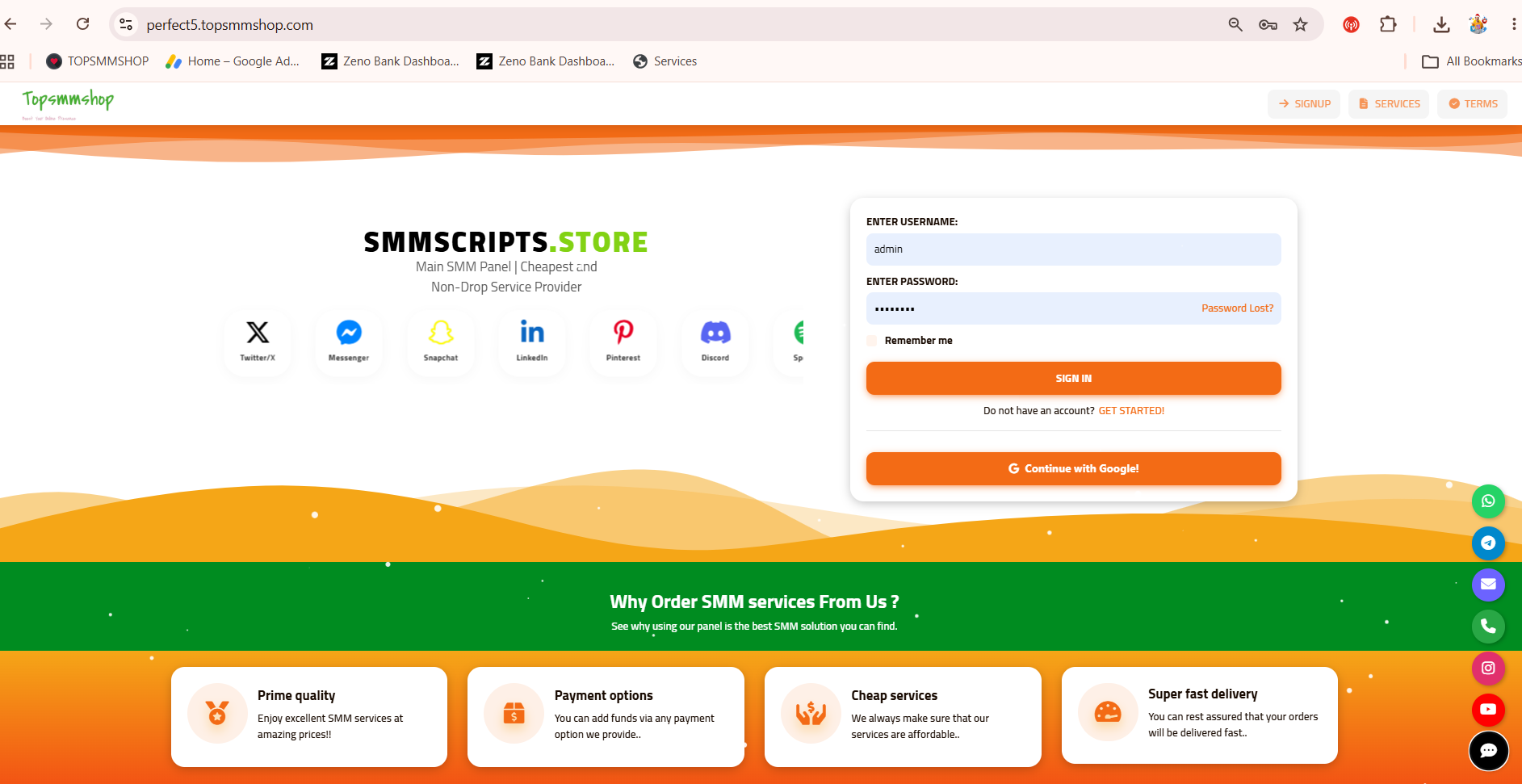
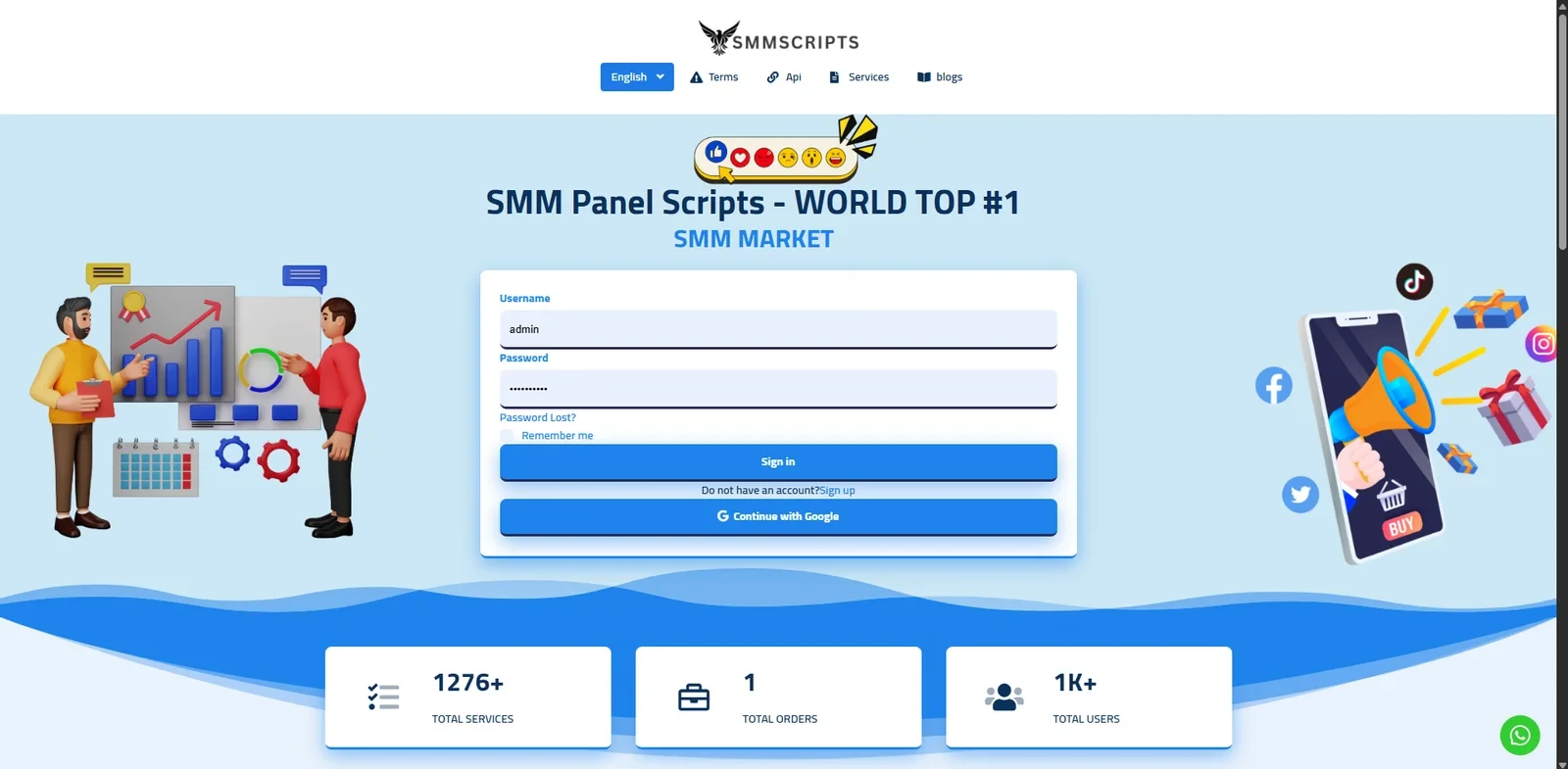
🚀 Perfect Panel Script: The Ultimate SMM Panel Management Solution 💎
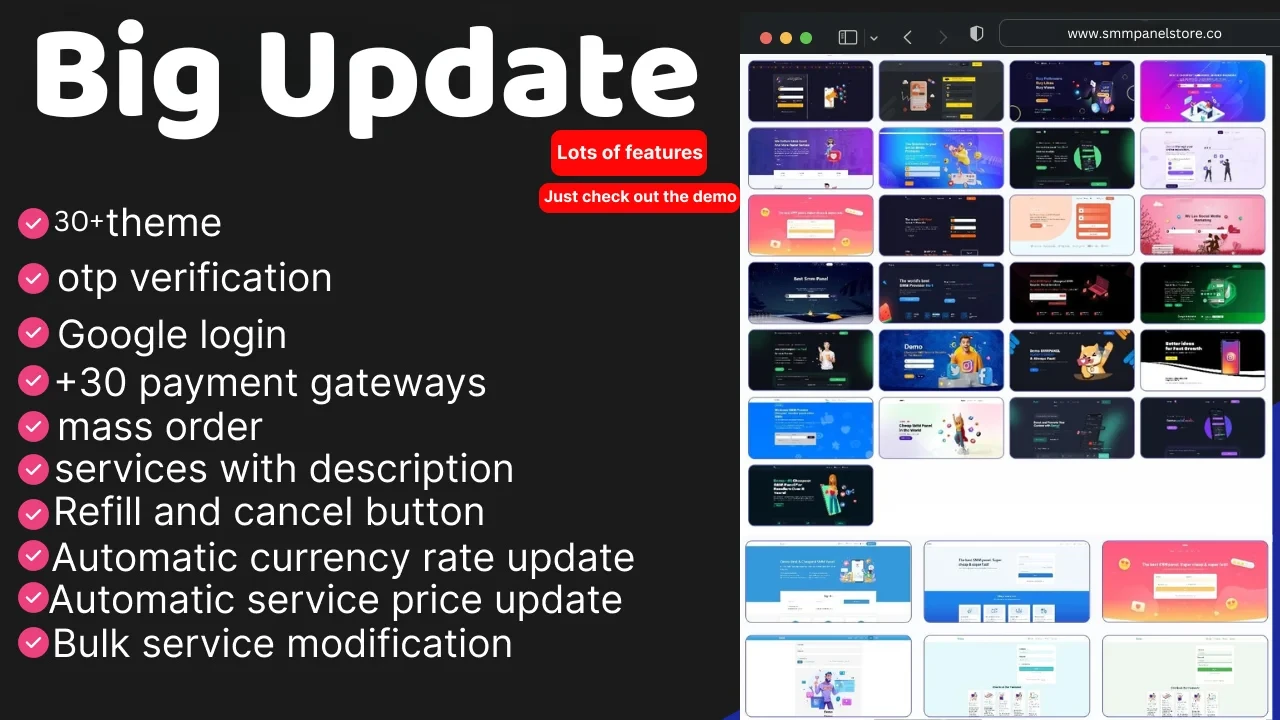
📱 Perfect Panel Script is a powerful solution for managing and automating Social Media Marketing (SMM) services. Its efficient design and advanced features let you create, manage, and sell SMM services with ease. 💼 It's ideal for entrepreneurs starting an SMM panel business and for owners who want to streamline an existing one. 📈
⭐ Why Choose Perfect Panel Script?
The script stands out for its robust features, user-friendly interface, and scalability. 🌍 Whether you serve a small client base or thousands of users worldwide, it handles the load. ✅
👤 User Features
🖥️ Simple User Interface – A clean, intuitive dashboard for managing orders.
📦 Bulk Order Support – Place multiple orders at once.
🔄 Subscriptions – Automate recurring likes, views, and followers.
💰 Secure Fund Management – Add funds easily through multiple payment gateways.
📍 Order Tracking – Real-time order status updates.
🛠️ Admin Features
🎛️ Comprehensive Admin Panel – Full control over users, services, and payments.
⚙️ Service Automation via API – Connect multiple API providers to process orders automatically.
📊 Profit Tracking – Detailed reports on earnings, expenses, and profitability.
🔐 User Access Management – Track activity, access logs, and permissions.
📢 Announcements & Notifications – Broadcast real-time updates to users.
📣 Marketing Features
🔍 SEO Optimization – Built-in tools to improve search visibility.
🤝 Affiliate Marketing System – Reward users for referrals.
🎨 Custom Service Icons – Give your services a professional look.
📧 Email Campaigns – Promote offers and boost sales.
🔒 Advanced Functionalities
🛡️ Two-Factor Authentication (2FA) – Extra security for admin and users.
🌐 Multi-Language Support – Reach customers in their own language.
🚧 Maintenance Mode – Stay safe during updates or downtime.
🤖 Google reCAPTCHA – Block spam and bots.
📥 Service Import via API – Import services while keeping control of descriptions and pricing.
💳 Popular Payment Gateways
PayPal 🌎 • Stripe ⚡ • Shopier 🛍️ • Paywant 💸 • PayTR 🇹🇷 • CoinPayments ₿ • 2Checkout 🌍 • Payoneer 💼 • Mollie 🇪🇺
🌏 Regional Payment Gateways
PayTM & PayTM Business 🇮🇳 • Instamojo 🇮🇳 • Razorpay 🇮🇳 • Iyzico 🇹🇷 • PagSeguro 🇧🇷
🪙 Advanced Gateways & Crypto Options
Authorize.net 🇺🇸 • PayUMoney 💳 • Ravepay 🌍 • Cashmaal 💵 • Cardinity 🇪🇺
✨ Additional Payment Options
MercadoPago 🌎 • AnyPay.io ₿ • Manual Methods 🏦 (bank transfer, email invoicing, or custom instructions)
🎁 Additional Benefits
🛠️ Free Installation Support – Get your panel running with expert guidance.
🎨 Customization Options – Tweak the design and features to match your brand.
🎧 24/7 Customer Support – Round-the-clock technical help.
🏆 Perfect for Any SMM Business
Whether you're just starting out or scaling an established platform, Perfect Panel Script gives you what you need to manage services, attract customers, and grow. 🚀 Automation, security, and marketing tools in one package make it a top choice for social media marketing professionals. 💎
🛒 Buy Now | 👀 Live Demo | 💬 WhatsApp / Telegram Support
📘 How to Install an SMM Panel Script: A Complete Guide 🧑💻
Follow these steps to install your SMM panel script successfully. ✅
📤 Step 1: Upload the Script
🗄️ Step 2: Create a Database
⚙️ Step 3: Configure the Script (app/config.php)
📥 Step 4: Import the Database
🧩 Step 5: Configure the Panel
🔐 Step 6: Set File Permissions
⚠️ Use 775 instead of 777 where possible, since 777 lets anyone on the server write to those folders.
🧪 Step 7: Test the Installation
💡 Additional Tips
🎉 Your SMM panel script is now installed and ready to use!
🎁 Free Bonus Add-Ons
💬 WhatsApp Button Code – Free
⏰ Cron Jobs Setup – Free
📸 Instagram Code – Free
❄️ Snowfall & Lights Effects – Free
✈️ Telegram Code – Free
📲 Need more help? Chat with us on WhatsApp! 💚
By Younas In SMM PANEL SCRIPTS
$15

Get the updates, offers, tips and enhance your page building experience
Up to Top
Comments